Digital services
Connect your scanner, skip the courier
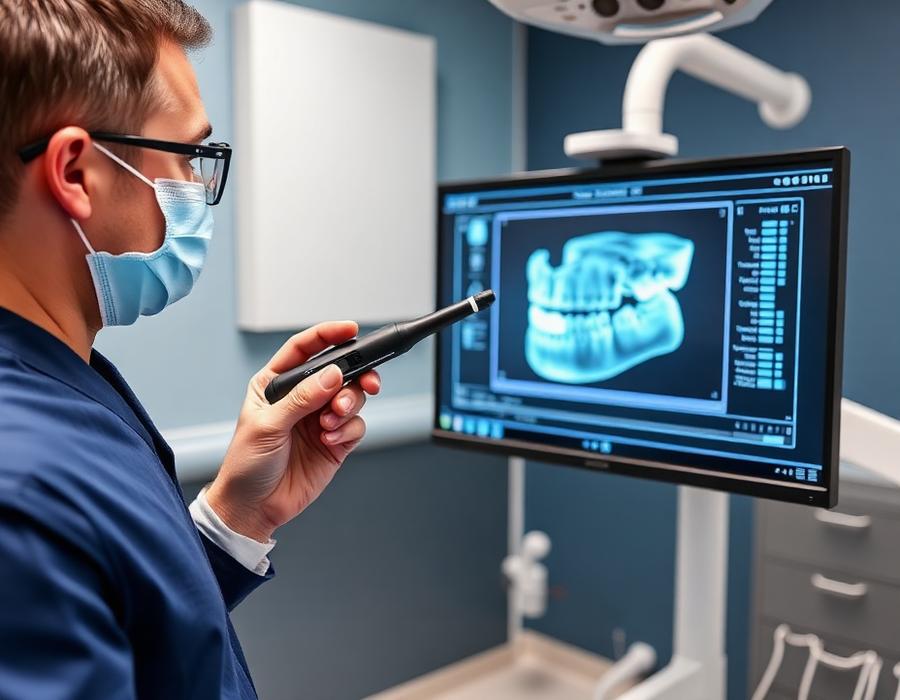
We receive digital impressions from every major intraoral scanner. Setup takes one short call, and your first case can arrive the same day.
Compatibility
Supported scanner systems
Brand names are listed for reference only. If your system exports open STL or PLY files, we can work with it.
- iTeroConnection via lab account or STL export
- 3Shape TRIOSDirect Unite / Communicate connection
- MeditMedit Link lab partner or open export
- Primescan / OmnicamConnect Case Center or STL
- CarestreamOpen STL export
- Any open systemSTL / PLY upload via Send a Case
Connection guide
Four steps to a fully digital workflow
- 01
Tell us which scanner you use
Send us the brand and software version — we confirm the fastest connection route for your setup.
- 02
Add Aura as your laboratory
In your scanner portal, search for our lab account and add it to your connections list, or configure an open STL export folder.
- 03
Send a test case
We verify file integrity, scan body libraries and prescription fields together with you before going live.
- 04
Scan and submit routinely
From then on, cases arrive in the lab the moment you finish scanning — no impressions, no courier wait.
Not sure which scanner fits your practice?
Our technicians advise on scanner selection based on your case volume and the work you outsource most.